
The Ultimate Guide to Free Privacy Policy Generators for Blogger website (2026 Edition)
If you have recently started a blogs on Google’s Blogger (Blogspot) platform, you are probably excited about publish your first articles, customizing your theme, and getting your first visitors. You might be dreaming of the day you can monetizetion your traffic and turn your hobby into a side hustle.
However, amidst the excitement of best content creation, there is one critical technical detail that many new new bloggers overlook until it is too late: The Privacy Policy.

It sounds boring. It sounds legal. It sounds expensive.
Many beginners assume that privacy policies are only for massive e-commerce corporations or multiple banks. But the truth is, if you run a Blogspots site today, you almost certainly need one platform.
In this comprehensive guide, we will explore why your Blogger site needs this document, how it affects your ability to earn more money (AdSense), and exactly how to use a free privacy policy generator for Blogger to create a professional legal page in under 5 minutes—without spending a single penny.
Why Does a Small Blogspot Site Need a Privacy Policy?
You might be thinking, “I’m just writing about my garden/gaming/travels. I don’t sell anything. Why do I need a legal policy?”
This is a common misconception. A Privacy Policy isn’t just about what you sell; it is about what data you collect. Even a simple, free website Blogspot blog collects data in the background.
Four main reasons you cannot skip this step.
1. The Google AdSense Requirement
If your goal is to make money blogging, Google AdSense is likely your first stop. It is the most popular ad network for Blogger users.
However, Google AdSense has strict Terms of Service. They explicitly state that publishers must have a privacy policy that discloses that third-party vendors (like Google) use cookies to serve ads based on a user’s prior visits to your website.
If you apply for AdSense without a visible Privacy Policy page, your application will be rejected automatically. It is one of the most common reasons for rejection in 2026.
2. Global Privacy Laws (GDPR, CCPA, etc.)
The internet has no borders. Even if you live in India, the United States, or Brazil, your readers could be from anywhere.
GDPR (General Data Protection Regulation): This European law protects the data of EU citizens. It requires site owners to be transparent about data collection.
CCPA/CPRA (California Privacy Rights Act): This protects residents of California.
If a reader from London or Los Angeles visits your blog, you are technically subject to these laws. A privacy policy is your first line of defense to show you are operating a legitimate, compliant site.
3. Third-Party Tools and Analytics
Do you use Google Analytics to see how many people visit your site? Do you have a “Follow by Email” gadget? Do you use a hit counter?
All of these tools use Cookies and Log Files to track user behavior (IP addresses, browser type, time spent on page). Legally, you must inform your visitors that this tracking is happening.
4. Building Trust with Your Audience
In an era of data breaches and scams, internet users are more cautious than ever. Having a clear “Privacy Policy” link in your footer shows your readers that you are a professional. It signals that you respect their data and you have nothing to hide.
What is a Free Privacy Policy Generator?
Years ago, if you wanted a privacy policy, you had to hire a lawyer to draft one, which could cost hundreds of dollars.
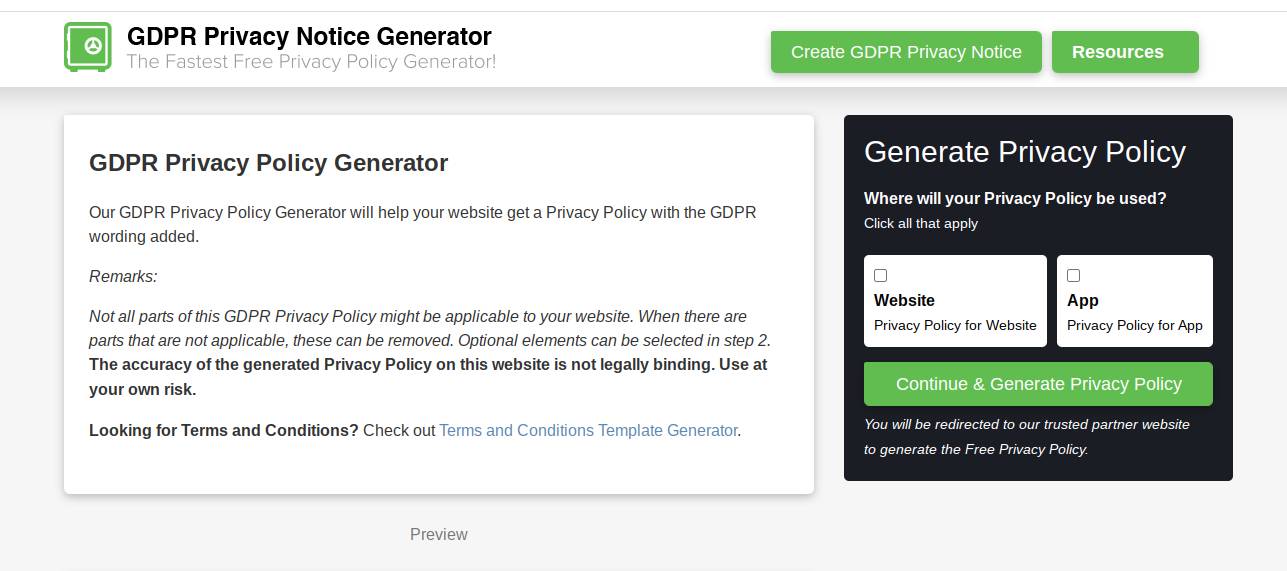
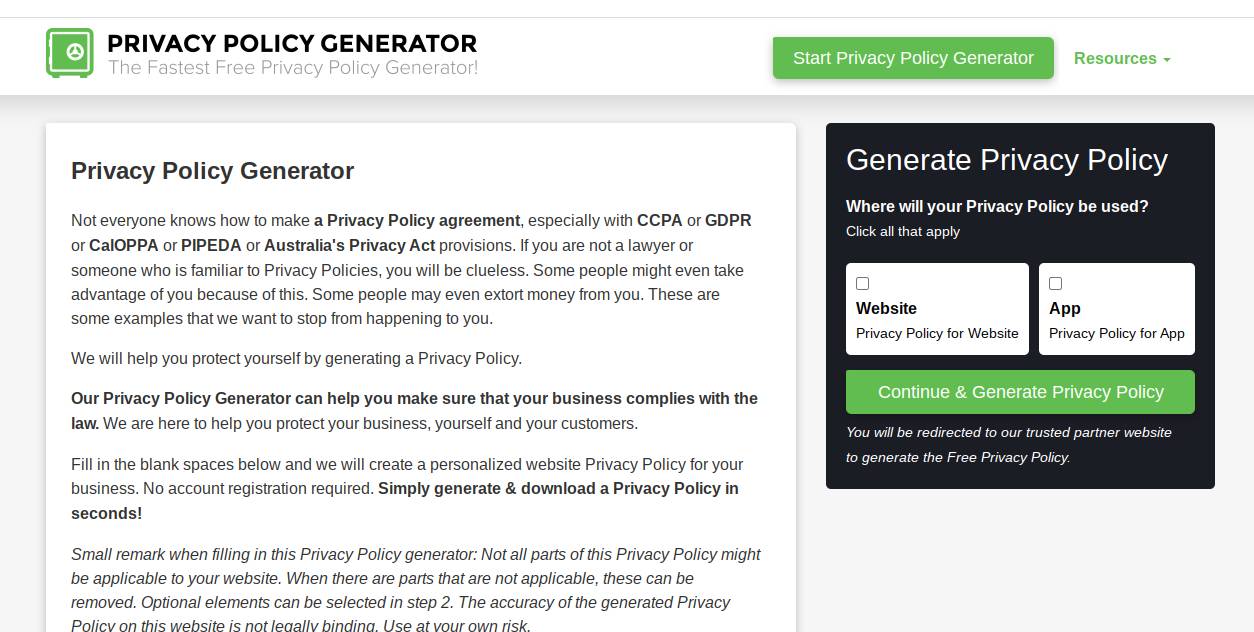
Today, there are Privacy Policy Generators. These are software tools that ask you a series of simple questions about your blog and then use your answers to assemble a pre-written legal document tailored to your needs.
There are two types of generators.
Paid/Premium: These offer high-level legal protection, mostly for e-commerce stores handling credit cards.
Free: These are perfect for content blogs (like most Blogspot sites) that just need to cover the basics like Cookies, AdSense, and Comments.
For a standard Blogger site, a free generator is usually sufficient.
What Should Your Privacy Policy Include?
When using a generator, you want to ensure the final output covers the following bases:
Log Files: A statement that your site uses log files (standard for all hosting platforms).
Cookies and Web Beacons: An explanation that your site stores cookies to optimize user experience.
Google DoubleClick DART Cookie: This is specific to AdSense. It explains that Google uses a special cookie to serve ads.
Privacy Policies of Third Party Advertisers: A disclaimer that you do not control the cookies used by your advertisers.
Children’s Information: A standard clause stating you do not knowingly collect data from children under 13.
Consent: A statement that by using your website, the visitor consents to your policy.
Step-by-Step: How to Generate and Install Your Policy on Blogger
Ready to make your site legal? Follow this step-by-step tutorial.
Phase 1: Generating the Text
Find a Generator: Go to Google and search for “Free Privacy Policy Generator for AdSense.” There are many reputable free tools online (like Privacy Policy Generator .info or H-Supertools).
Enter Company Name: If you don’t have a company, just enter your Blog Name (e.g., “Rahul’s Tech Tips”).
Enter Website Name: This is usually the same as your blog name.
Enter Website URL: Copy your full address (e.g., https://example.blogspot.com).
Answer the “Yes/No” Questions:
Do you use cookies? Yes. (Blogger uses them by default).
Do you show ads through Google AdSense? Yes (Check this even if you plan to use it in the future).
Do you show ads from other third parties? Yes (If you use Amazon Associates or other networks).
Download: Most tools will give you two options: “Copy Text” or “Copy HTML.” Always choose “Copy HTML” for the best formatting on Blogger.
Phase 2: Installing on Blogger (The Correct Way)
Many beginners make the mistake of pasting the policy as a blog post. This is wrong. It should be a static page.
Log in to Blogger: Go to your dashboard.
Go to Pages: On the left sidebar menu, click on Pages. (Do not click on “Posts”).
Set the Title: In the title field, type Privacy Policy.
Switch to HTML View: Look at the top left of the editor. You will see a pencil icon or < > brackets. Click it and switch from “Compose View” to “HTML View.”
Paste the Code: Delete any placeholder text and paste the HTML code you copied from the generator.
Switch Back to Compose: Switch the view back to “Compose” to check if it looks good. You should see bold headings and paragraphs.
Publish: Click the orange Publish button.
Phase 3: Making it Visible (The Footer)
Just creating the page isn’t enough; people need to be able to find it.
Go to Layout in the Blogger sidebar.
Scroll down to the Footer section (or Sidebar).
Click “Add a Gadget.”
Scroll down and select the “Pages” gadget.
In the configuration window, check the box next to “Privacy Policy.”
Click Save.
Now, view your blog. You should see a neat link to your Privacy Policy at the bottom of your site.
Common Questions (FAQ)
Q: Can I just copy the privacy policy from another big website? A: No. This is a copyright violation. Furthermore, another website’s policy will have their name, their email, and their specific details. Using someone else’s legal document is risky and unprofessional. Always generate a custom one for your URL.
Q: Is a free generator enough for an online store? A: Probably not. If you are running an e-commerce store where you collect credit card numbers, home addresses, and phone numbers, you have higher liability. In that case, you should look into a premium (paid) policy generator or consult a legal professional.
Conclusion
Creating a privacy policy might not be the most exciting part of being a blogger, but it is the foundation of a professional website. It protects you legally, it allows you to make money through AdSense, and it establishes trust with your readers. Learn More
With the help of a free privacy policy generator, you can cross this task off your “To-Do” list in less than 15 minutes. Don’t wait until you get a rejection email from an ad network—take action today and make your Blogspot site compliant!
Laws regarding digital privacy vary by country and are subject to change. For specific legal counsel regarding your website, please consult with a qualified attorney.





Leave a Reply