

Ever felt like you’re trying to understand your privacy policy Physics teacher while a pressure cooker is whistling in the kitchen? Total chaos, right? Well, that’s exactly how most people feel when they see the words “Privacy Policy.” It sounds like something only a lawyer with a giant briefcase would care about.
But Arre! If you are planning to start a blog or a small business in 2026—maybe selling those cool village crafts or starting a tech site—you can’t just ignore this. It’s like wearing a helmet while riding a scooty. It’s for your own safety!

Why do you even need this?
Think of a Privacy Policy like the “Ingredients List” on a packet of Maggi. You need to tell people what’s inside! When someone visits your website, you might be collecting their name, email, or even just their location.
In India, we have this new thing called the DPDP Act (Digital Personal Data Protection Act). It’s basically the government saying, “Bhai, you can’t just take someone’s data and do whatever you want.” If you don’t have a clear policy, you could get into a soup bigger than a wedding-sized kadhai of dal makhani!
Plus, if you want to make money from ads (AdSense), Google will look at your site like a strict PT teacher. No policy? No entry. No money. Simple.
The “Jugaad” Way: Free Generators
You don’t need to pay a lawyer lakhs of rupees. In 2026, we have amazing “jugaad” tools that do the work for us in minutes. It’s like getting a ready-made project file from a senior!
1. TermsFeed & PrivacyPolicies.com
These are like the Virat Kohli of generators. Very reliable! You just answer a few questions: What’s your website name? Do you use cookies? Do you show ads? And boom! It creates a professional-looking page for you.
-
Best for: Beginners who want something quick and clean.
2. CookieYes
This one is super famous in India now. It’s great because it handles those annoying “Cookie Banners” too. You know, the ones that pop up asking for permission? It’s like the security guard at the mall gate.
-
Best for: Staying 100% safe with Indian laws.
3. WP Legal Pages (For WordPress)
If you’re using WordPress (which is like the school uniform of the internet—everyone wears it), this is a plugin. You just install it, click a few buttons, and your legal pages are ready. No copy-pasting needed!
How to use them (The Pani Puri Method)
Generating a policy is as easy as eating Pani Puri. You just follow the steps:
-
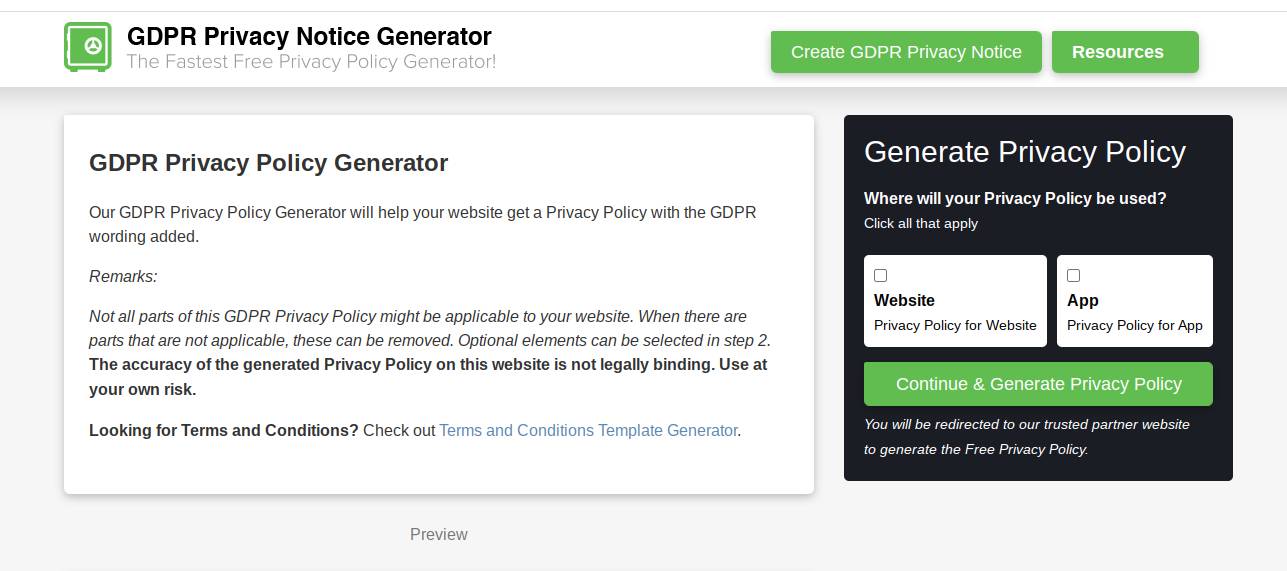
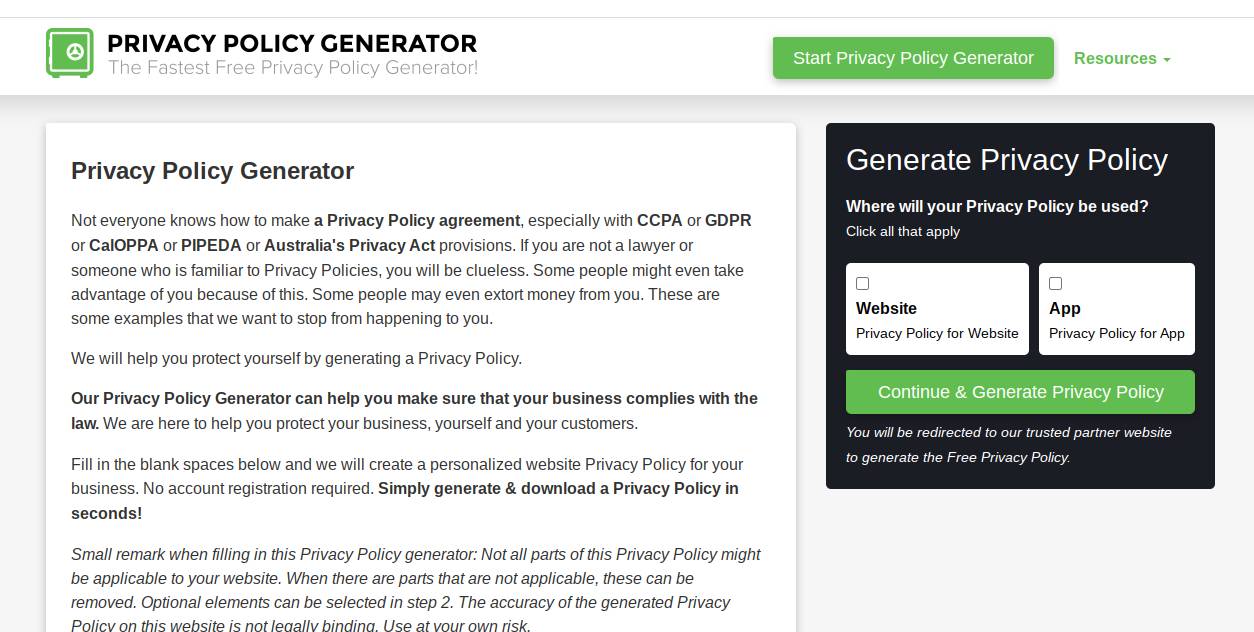
The Puris (The Basics): Go to a site like FreePrivacyPolicy.com. Enter your site URL and name.
-
The Masala (The Details): Tick the boxes for what you collect. Email? Name? Phone number? Be honest!
-
The Teekha Pani (The Extras): Add details about Google AdSense or Analytics if you use them. This is the part that makes your policy “spicy” enough for Google to approve.
-
Crunch! (The Result): Click ‘Generate,’ copy the text, and paste it onto a new page on your blog called “Privacy Policy.”
Things to keep in mind
Don’t just blind-copy like we do in homework! Make sure:
-
Your contact email is correct. (Don’t use
coolboy69@gmail.com, use something professional!) -
You actually mention if you share data with third parties.
-
The link is easy to find in your website’s footer.
So, what do you think? Not so scary, right? It’s just a bit of paperwork to make sure your online business stays “First Class.” Learn More
Chalo, I have to go now. Mom is calling for dinner and if I’m late, I’ll get a lecture longer than any privacy policy!










Leave a Reply